iPhone to Android
How to send a large video from iPhone to Android without it getting blurry
Quick answer
Texts between iPhone and Android go as MMS (or RCS), and carriers squeeze video to a tiny size, so it arrives blurry or fails. Compress the video yourself in Compress Video (resolution slider down to about 1080p or 720p, HEVC), then send it with WhatsApp, Telegram, email or a cloud link instead of plain MMS.
iMessage only works between Apple devices. As soon as the recipient is on Android, your iPhone falls back to MMS or RCS, where size limits are much lower.
Best ways to send video to Android
- WhatsApp or Telegram: send as a document to keep quality.
- Email: compress under 25 MB for Gmail.
- A cloud link (iCloud, Google Drive) for full-length originals.
- MMS only for very short, small clips.
Will Android play HEVC?
Most Android phones from recent years play HEVC. If an older phone can't, lower the resolution and send through a chat app, which converts on upload.
Compress and send to an Android phone
Keeps the video sharp for the person on Android.
-
1
Open the video
Pick the clip in Compress Video.
-
2
Trim
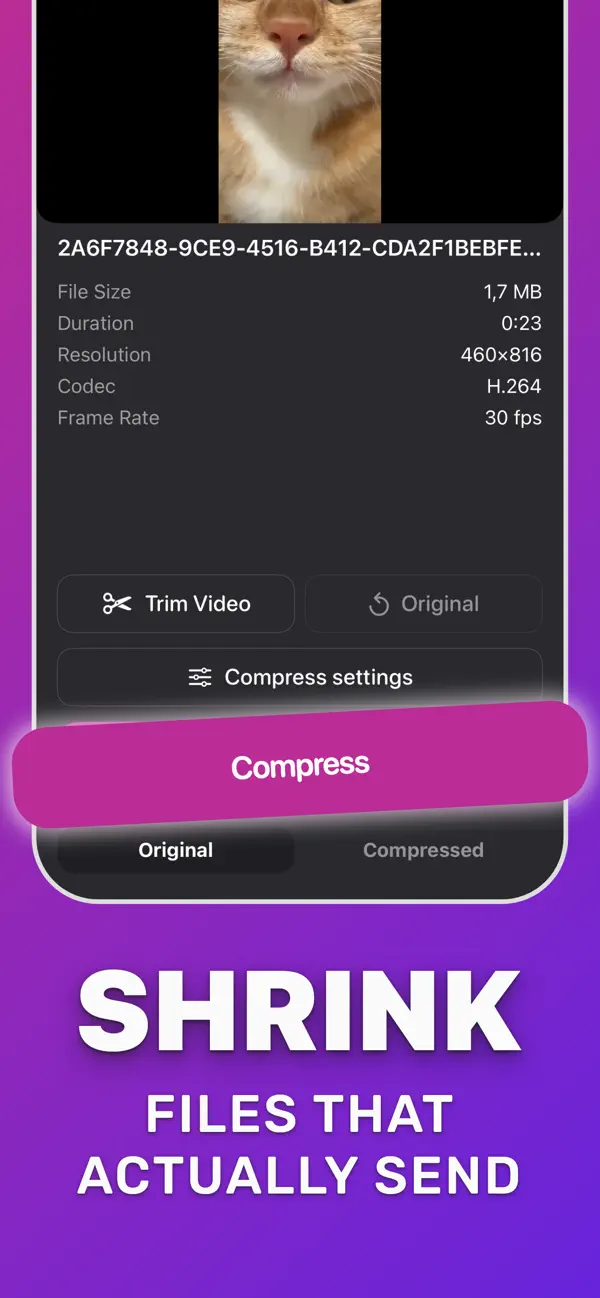
Tap Trim Video to drop parts you don't need.
-
3
Compress
In Compress settings drag the resolution slider down (about 50% of 4K ≈ 1080p) and tap Compress.
-
4
Send through a chat app
Tap Download Compressed and share to WhatsApp, Telegram or email instead of a plain text message.
Do it in Compress Video
Free on the App Store. Pick the clip, tap Compress, save the smaller copy.
Questions people also ask
Why are iPhone videos blurry on Android?
Because they were sent as MMS, which carriers limit to small files. Compress the clip yourself and send it through a chat app or email.
Compress Video saves a new, smaller copy of your video. The original stays untouched until you delete it. Upload limits of third-party services change; check the service if a file is close to its limit.