How to email a video that is too large from iPhone
Quick answer
Most email services cap attachments: Gmail at 25 MB, Outlook.com at 20 MB. Compress the video in Compress Video until the Compressed size reads under that number (drag the resolution slider down until it fits), then tap Download Compressed and share it to Mail or Gmail. For files that must stay large, Apple Mail Drop sends a link instead.
A 30-second 4K clip is often bigger than any email attachment limit. Mail then offers Mail Drop, Gmail swaps the file for a Drive link, and some recipients never get a playable video.
If the recipient should get the actual file in their inbox, make it fit.
Email attachment limits
| Service | Attachment limit | Over the limit |
|---|---|---|
| Gmail | 25 MB | Replaced with a Google Drive link |
| Outlook.com | 20 MB | Upload to OneDrive and share a link |
| Apple Mail + iCloud | Mail Drop up to 5 GB | Sent as a link that expires after 30 days |
Corporate mail servers often allow less. If a send fails, compress further.
How small should the video be?
As a rough guide, a 1-minute clip at around 720p and 30 fps in HEVC often fits under 25 MB, and short clips can keep more resolution. Compress Video shows the exact size before you save, so you don't need to guess.
When to use Mail Drop instead
Use Mail Drop when the recipient needs the full-quality original, for example for editing. The link expires after 30 days and the file is downloaded rather than attached.
Make a video small enough to email
Works with Apple Mail, Gmail and Outlook on iPhone.
-
1
Open the video
Open Compress Video and pick the clip, or share it from Photos to Compress Video.
-
2
Trim
Tap Trim Video and keep only the part the recipient needs.
-
3
Lower the resolution
In Compress settings drag the resolution slider down (about a third for 4K, two thirds for 1080p ≈ 720p), lower the frame rate to 30 fps if needed, keep the audio, and tap Compress.
-
4
Check the size
Make sure the Compressed size is under 25 MB for Gmail or 20 MB for Outlook. If not, move the resolution slider further down or trim more.
-
5
Attach
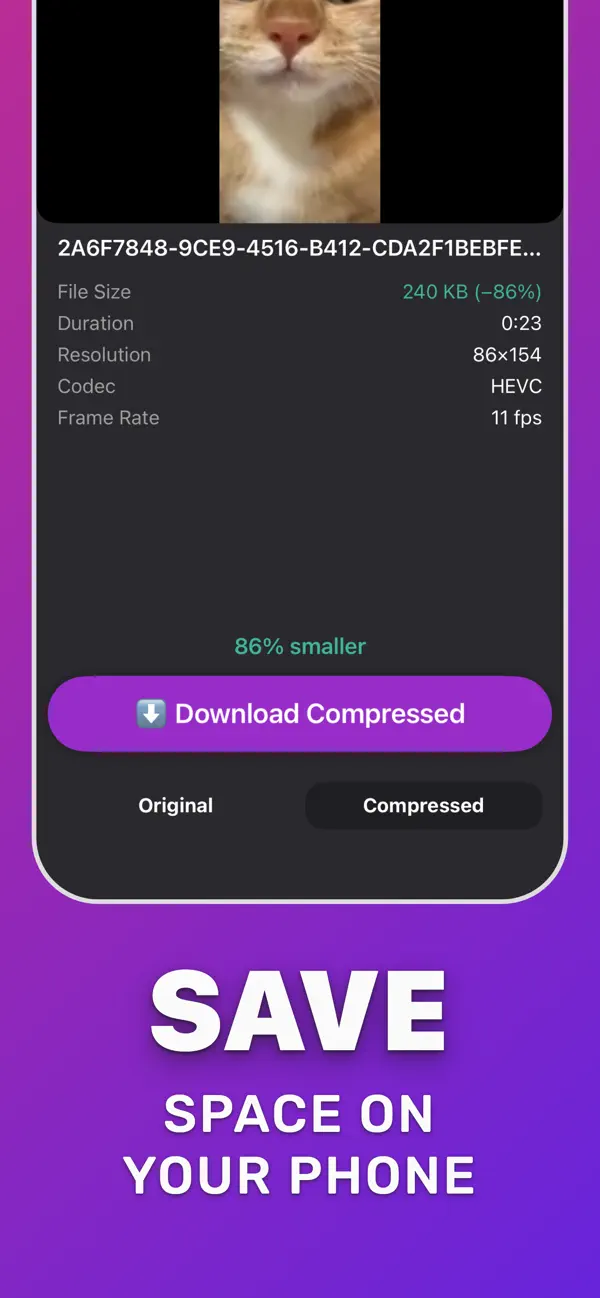
Tap Download Compressed, then share the file to Mail, Gmail or Outlook and send.

Do it in Compress Video
Free on the App Store. Pick the clip, tap Compress, save the smaller copy.
Questions people also ask
Why does my iPhone ask to use Mail Drop?
Because the attachment is over your mail provider's limit. Compress the video below the limit to attach it directly, or accept Mail Drop to send a download link.
Can I email a 5-minute video from iPhone?
Yes, if you compress it enough: 5 minutes with the resolution slider low and a reduced frame rate can fit under 25 MB. Check the Compressed size before sending.
Compress Video saves a new, smaller copy of your video. The original stays untouched until you delete it. Upload limits of third-party services change; check the service if a file is close to its limit.