How to compress a video for WhatsApp on iPhone
Quick answer
WhatsApp recompresses videos you send as media, which is why they arrive blurry or get refused. Compress the clip yourself in Compress Video (resolution slider at about 50% for 4K clips, HEVC), then send it. To keep full quality, attach the compressed file as a Document instead: WhatsApp accepts documents up to 2 GB without recompressing them.
WhatsApp optimises for speed, not quality. Long or big clips get squeezed hard, and very large ones don't send at all.
Doing the compression yourself means you decide the trade-off.
Media vs Document in WhatsApp
| Send as | What WhatsApp does | Best for |
|---|---|---|
| Photo & Video | Recompresses, plays inline | Quick clips in chats |
| Document | Sends the file as is, up to 2 GB | Keeping quality, longer videos |
What size to aim for
For inline playback keep clips short and at 720p–1080p. For documents, the smaller the file, the faster it uploads and downloads for everyone in a group.
Compress and send a video to WhatsApp
Works for chats, groups and Status.
-
1
Open the clip
Open Compress Video and pick the video, or share it from Photos into the app.
-
2
Trim
Tap Trim Video; for Status, keep the part you want to post.
-
3
Compress
In Compress settings drag the resolution slider to about 50% for 4K clips (≈ 1080p) or lower for long videos, keep the audio, and tap Compress.
-
4
Share to WhatsApp
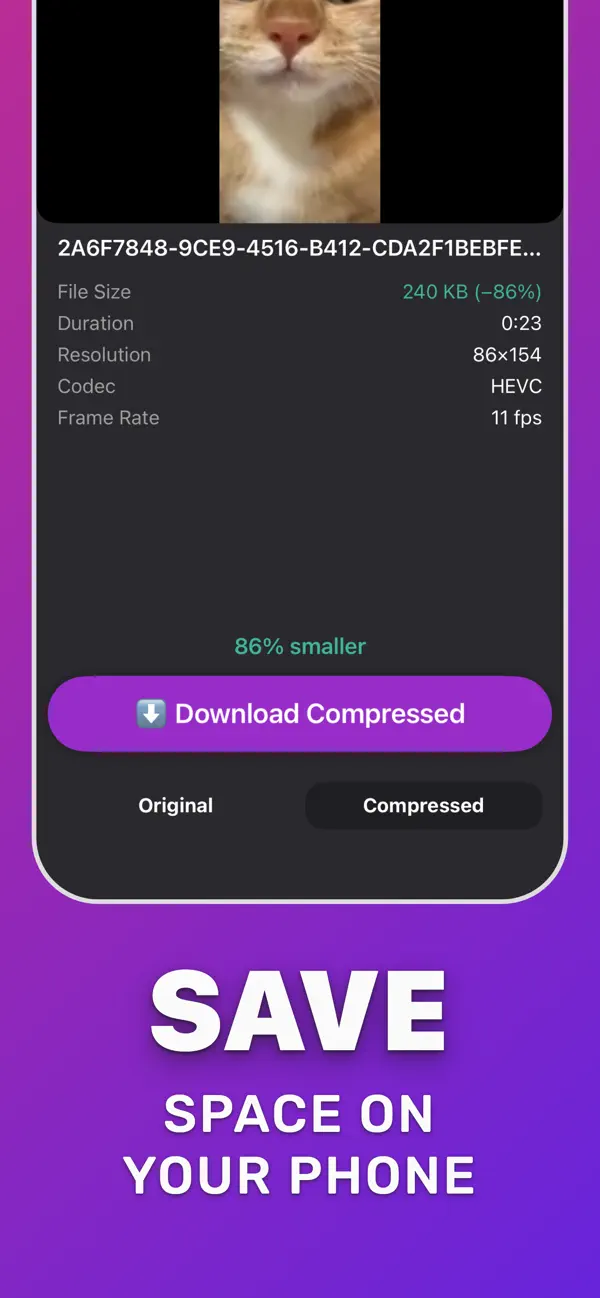
Tap Download Compressed and share to WhatsApp, or in WhatsApp tap + → Document and pick the file from Files to avoid recompression.

Do it in Compress Video
Free on the App Store. Pick the clip, tap Compress, save the smaller copy.
Questions people also ask
Why are my WhatsApp videos blurry?
WhatsApp recompresses media to save data. Send the clip as a Document, or compress it yourself first so WhatsApp has less to squeeze.
How do I send a long video on WhatsApp?
Trim and compress it in Compress Video, then send it as a Document. Documents can be up to 2 GB.
Compress Video saves a new, smaller copy of your video. The original stays untouched until you delete it. Upload limits of third-party services change; check the service if a file is close to its limit.