Too large to send
Video too large to send on iPhone: how to fix it
Quick answer
The error means the clip is bigger than the app, carrier or server allows. Trim it and drag the resolution slider down in Compress Video, then share the compressed file instead of the original. For green-bubble texts (MMS), carriers allow only small files, so send through iMessage, email or a chat app when you can.
The message shows up in different words: “too large to send”, “file is too big”, or a send that fails silently. The cause is always the same: the file is above a size limit somewhere between you and the recipient.
Where the limit comes from
- iMessage: large clips are sent, but iOS may lower quality on the way; very long clips can still fail on poor connections.
- MMS / text (green bubbles): carriers cap media at a small size, so long videos fail or arrive blurry.
- Messenger, Instagram, Snapchat: each app has its own cap and recompresses what you send.
- Email: Gmail 25 MB, Outlook.com 20 MB.
Too large vs too long
Some apps limit duration instead of size. If an app says “too long”, trim the clip; if it says “too large”, compress it. Doing both gives you the most room.
Make the video small enough to send
About a minute, no upload.
-
1
Open the video in Compress Video
Open Compress Video and pick the clip from Photos or Files, or tap Share on the video in Photos and choose Compress Video.
-
2
Trim what you don't need
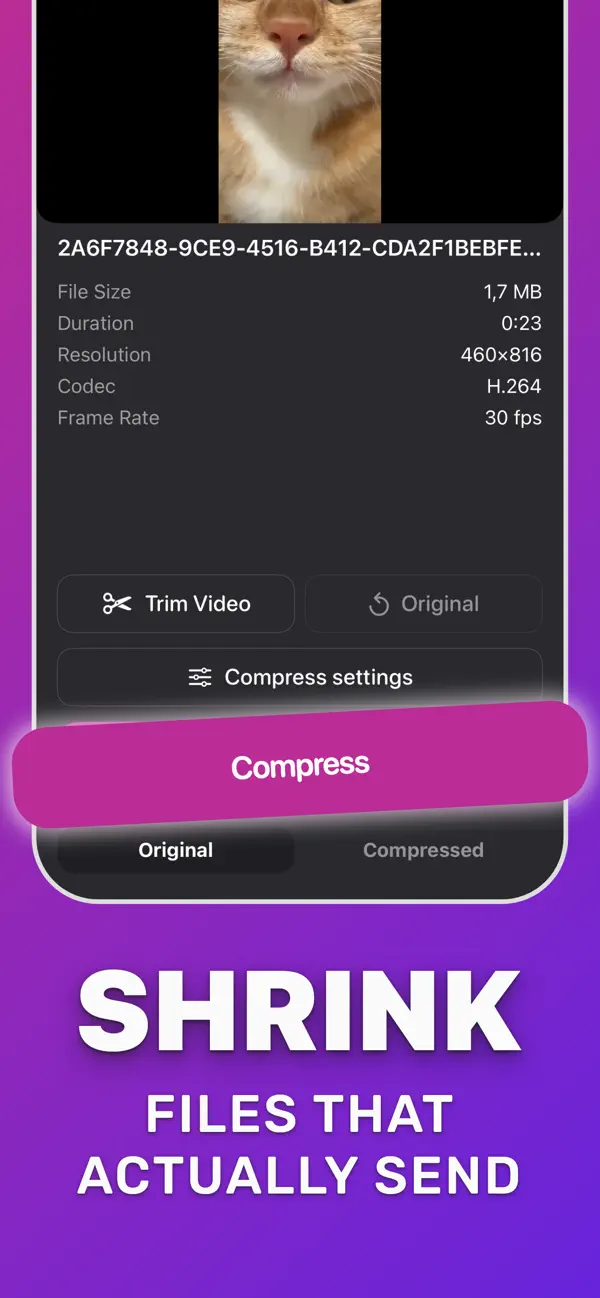
Tap Trim Video, drag the handles to keep only the part you need, and tap Save. Shorter clips are smaller clips.
-
3
Choose how small
Open Compress settings. Drag the resolution slider down, lower the frame rate if needed, and set audio to compress, keep or mute.
-
4
Compress and check the size
Tap Compress. The app shows the new size and how much smaller it is. Flip Original and Compressed to compare.
-
5
Save or share
Tap Download Compressed to save the smaller copy to Photos, or share it straight to Mail, WhatsApp, Discord or any app.

Do it in Compress Video
Free on the App Store. Pick the clip, tap Compress, save the smaller copy.
Questions people also ask
Why can I send a video in iMessage but not as a text?
iMessage goes over the internet with high limits; MMS text goes through your carrier with very small limits. Compressing helps both.
Will compressing make the video look bad?
Not on a phone screen at 720p or 1080p in HEVC. Compare Original and Compressed in the app before you send.
Compress Video saves a new, smaller copy of your video. The original stays untouched until you delete it. Upload limits of third-party services change; check the service if a file is close to its limit.