Discord
How to make a video smaller for Discord on iPhone
Quick answer
Free Discord accounts can upload files up to 20 MB (raised from 10 MB in August 2026); Nitro Basic allows 50 MB and Nitro 500 MB. In Compress Video, trim the clip, drag the resolution slider down, lower the frame rate to 30 fps, tap Compress, and check that the Compressed size is under your limit. Then share it to Discord.
Gaming clips and screen recordings are exactly the videos that blow past Discord's limit: high resolution, 60 fps, long.
Discord upload limits
| Plan | Upload limit |
|---|---|
| Free | 20 MB |
| Nitro Basic | 50 MB |
| Nitro | 500 MB |
Limits as of August 2026; servers with boosts can allow more.
Settings that fit 20 MB
- Clips under 30 seconds: around 1080p (50% of 4K), 30 fps usually fits.
- 30–60 seconds: around 720p (about a third of 4K), 30 fps.
- Longer: trim to the highlight, or move the slider lower still.
Compress a video for Discord
Works for chats, servers and DMs.
-
1
Open the clip
Pick the recording in Compress Video, or share it into the app from Photos.
-
2
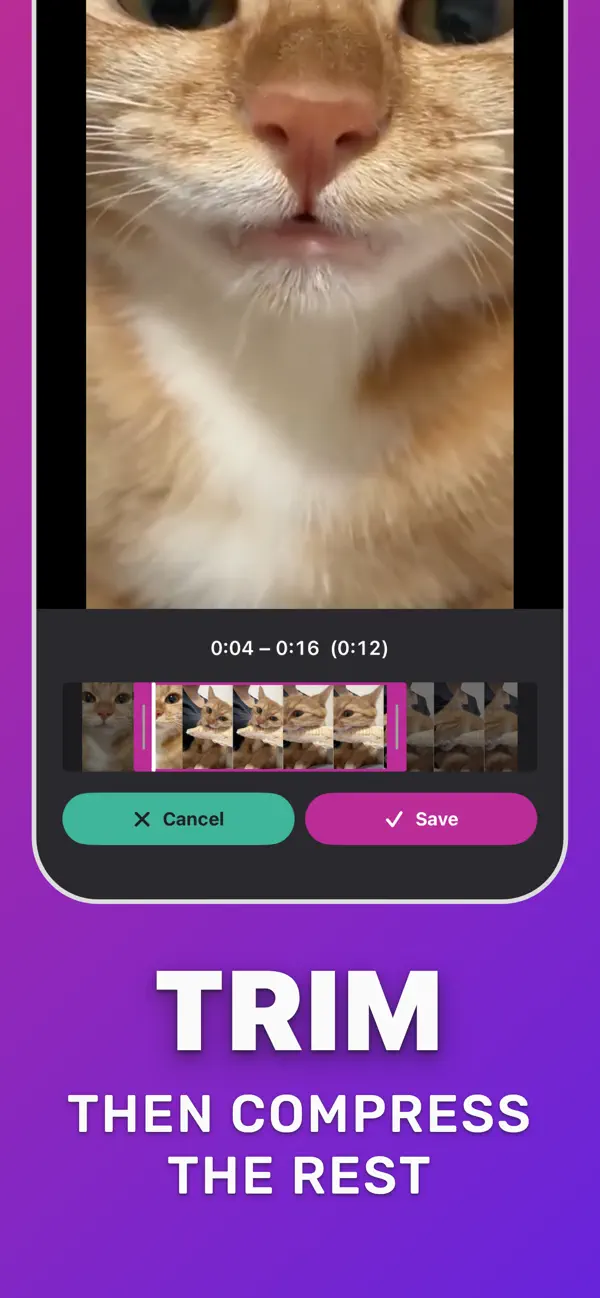
Trim to the highlight
Tap Trim Video and keep just the moment you want to share.
-
3
Lower resolution and fps
In Compress settings drag the resolution slider down, set 30 fps and tap Compress.
-
4
Check the size
Confirm the Compressed size is under 20 MB (or your Nitro limit).
-
5
Share to Discord
Tap Download Compressed, then upload it in Discord or share it from the iOS share sheet.

Do it in Compress Video
Free on the App Store. Pick the clip, tap Compress, save the smaller copy.
Questions people also ask
What is Discord's file size limit for free users?
20 MB per file since August 2026. Before that it was 10 MB.
Can I send a longer video on Discord without Nitro?
Yes, if you compress it under 20 MB, or trim it into a shorter highlight.
Compress Video saves a new, smaller copy of your video. The original stays untouched until you delete it. Upload limits of third-party services change; check the service if a file is close to its limit.